
How to Compress Images: Reduce JPG, PNG & WebP Size
Learn how to compress JPG, PNG, and WebP images online. Reduce file size, preserve image quality, and optimize images for faster websites.
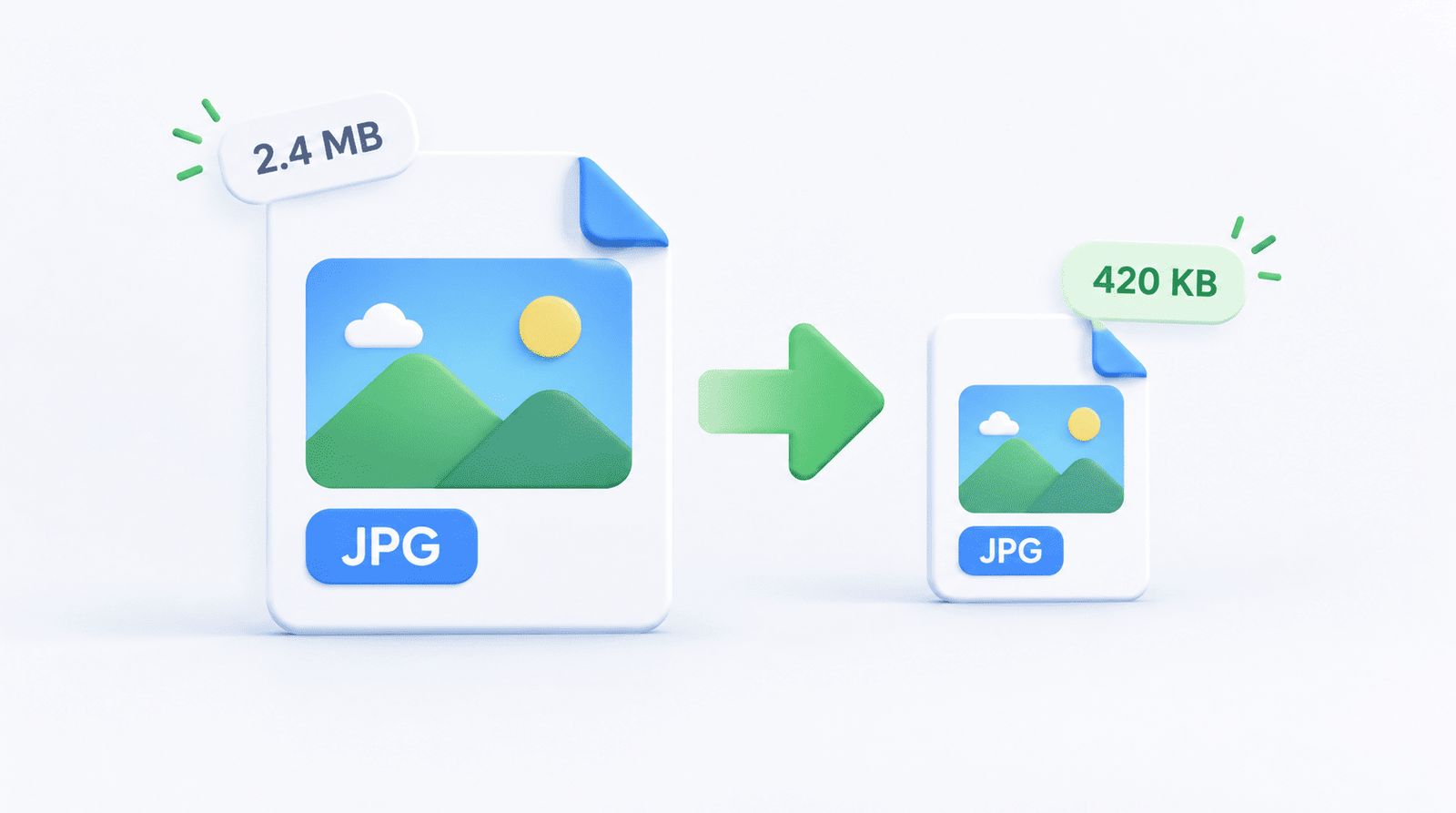
Large image files can slow down websites, take up unnecessary storage, and make photos harder to upload or share.
Real-world Example: You are uploading a product photo to your Shopify store. The platform rejects it because it's 5MB. You need it to be under 500KB. Using ImgSwift's Image Compressor, you can upload the file, adjust the quality slider to 75%, and instantly see the new file size. You hit download and your product is ready to go.
Why choose ImgSwift? ImgSwift uses advanced client-side processing. What does this mean for you? It means your images are compressed directly inside your browser. Your private photos are never uploaded to a server, making it one of the most secure image compressors available.
Quick Answer: How Do You Compress an Image?
Upload it to ImgSwift's image compressor, select the desired output format, adjust the quality settings, and download the optimized file.
What Is Image Compression?
Image compression reduces the amount of data needed to store an image. Lossy compression discards some information for smaller files, while lossless compression reduces file size without losing data.
JPG vs. PNG vs. WebP
- JPG: Best for photographs.
- PNG: Best for logos and graphics with transparency.
- WebP: Excellent for website images, often producing the smallest files.
How to Compress JPG Images
- Open ImgSwift's Image Compressor.
- Upload your JPG.
- Try a quality setting around 75–85.
- Download the optimized JPG.
Frequently Asked Questions
Does image compression change image dimensions?
Not necessarily. Compression can reduce file size while keeping the same width and height.
How can I compress an image without losing quality?
Use lossless compression when exact pixel preservation is necessary, and always keep a backup of your original file.
About the Author: Written by the ImgSwift Editorial Team. We are a group of developers and digital creators passionate about building fast, private, and browser-based image processing tools to make your workflow easier.