
How to Resize Images Without Losing Quality: Complete Guide
Learn how to resize an image without losing quality. Discover the best dimensions, resampling methods, file formats, and free online resizing tools.
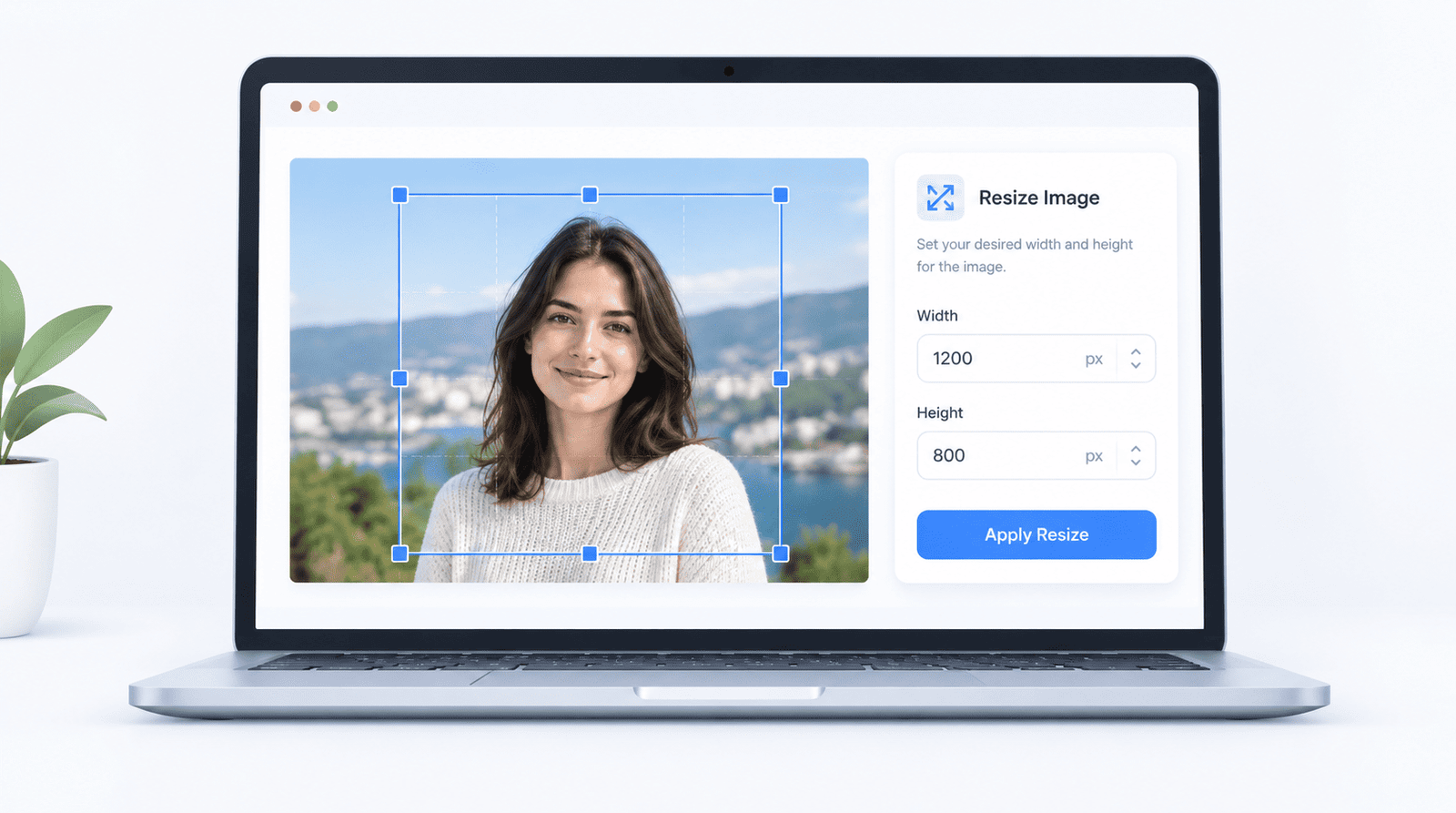
Resizing an image should not mean sacrificing sharpness. Whether you are preparing website graphics or blog images, choosing the right dimensions is crucial.
Real-world Example: You just downloaded a beautiful 4000x3000 pixel photo from your camera, but your blog layout only supports a 1200x800 pixel space. If you just drop the massive file in, your page will load slowly. Using ImgSwift's Resize Tool, you can quickly scale it down to 1200px wide while maintaining the exact aspect ratio, ensuring your page loads fast without losing visual quality.
Why choose ImgSwift? Many online resizers force you to download an app or apply watermarks. ImgSwift gives you a live preview of the resized dimensions before you even hit download. It's completely free and watermark-free.
Can You Resize an Image Without Losing Quality?
Yes, you can often resize an image with no noticeable loss, especially when reducing dimensions (downscaling). However, enlarging an image (upscaling) cannot reliably recover details that were never captured.
How to Resize an Image: Step-by-Step
Step 1: Start With the Highest-Quality Original
Use the original image rather than a compressed copy.
Step 2: Choose the Correct Dimensions
Determine the required width and height (e.g., 1200 x 630 px for a blog featured image).
Step 3: Maintain the Original Aspect Ratio
Always lock the aspect ratio to avoid stretching faces or objects.
Step 4: Export With Appropriate Settings
Export a copy, compare it with the original, and check for artifacts. Try ImgSwift's Resize Image tool here.
Frequently Asked Questions
Why does my image become blurry after resizing?
Blurriness can result from excessive enlargement, poor resampling, or displaying the image beyond its effective resolution.
Is resizing the same as compressing an image?
No. Resizing changes pixel dimensions, while compression reduces the file size data.
About the Author: Written by the ImgSwift Editorial Team. We are a group of developers and digital creators passionate about building fast, private, and browser-based image processing tools to make your workflow easier.